
Getting Started
The idea of Fandation is simple. We help get the right words in the right places to transform your fan data into a career-sustaining asset. Here’s how:
Step 1: Add your artist
After signing up and selecting a plan, find your artist.
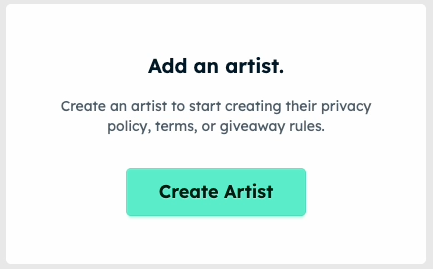
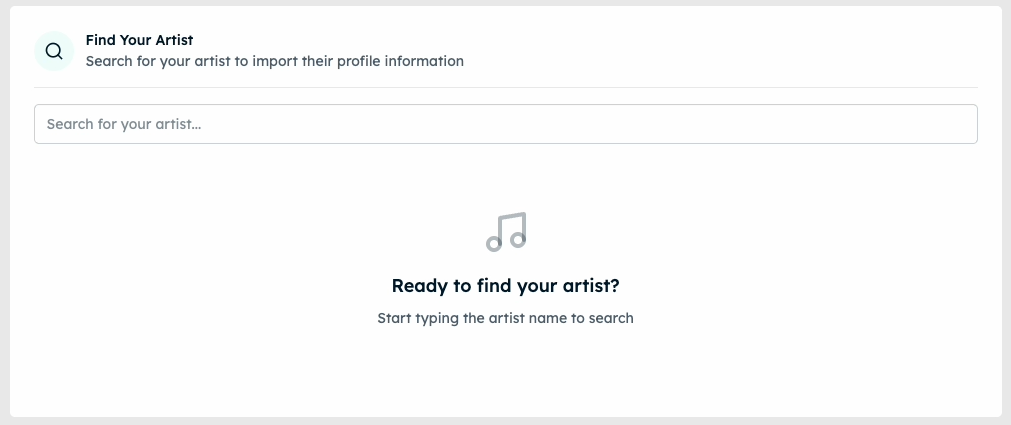
Fill out the required fields of the artist profile and any optional ones as feasible.
Step 2: Create your documents
Click “Create Policy” in the artist dashboard.
Select the document type you want to create. We recommend starting with your Privacy Policy.
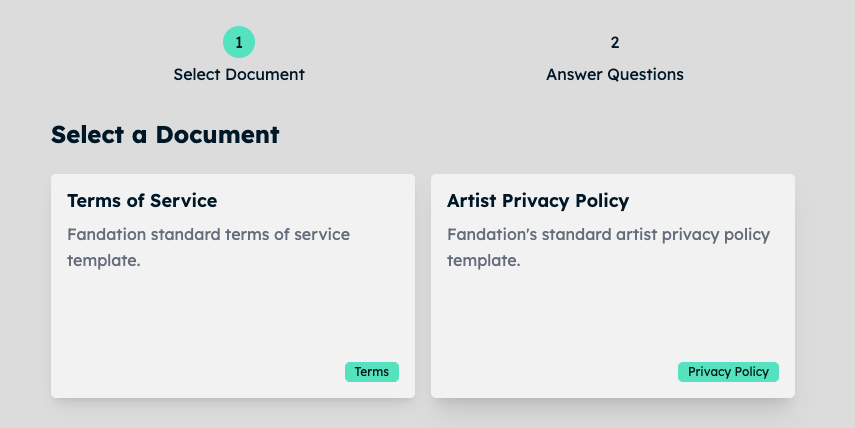
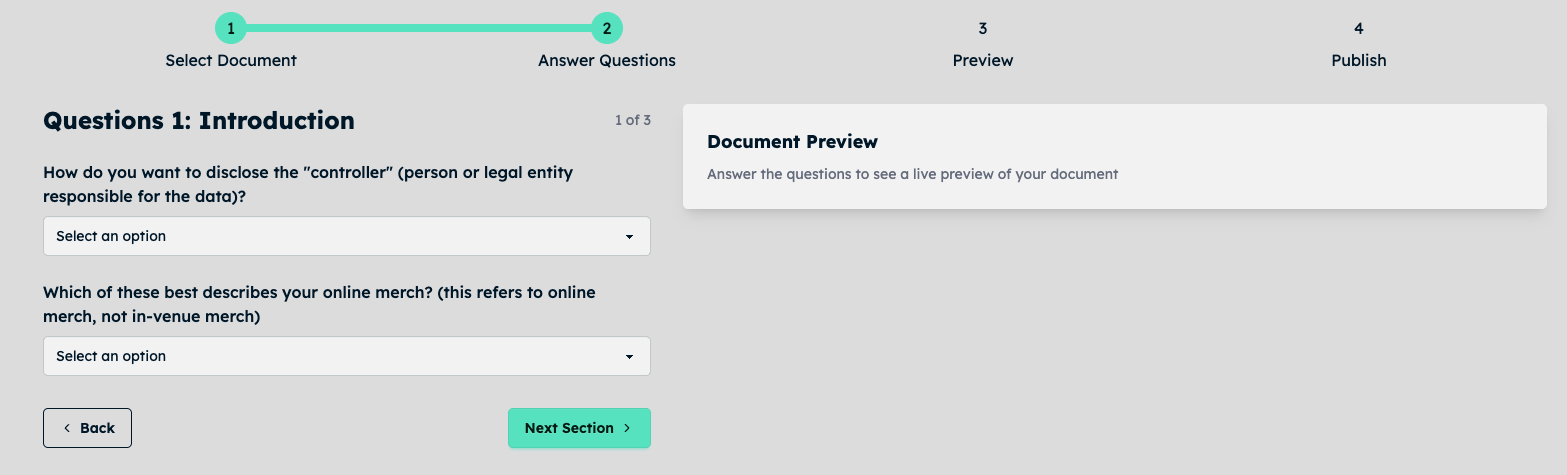
Follow the prompts to create your privacy policy. See our privacy policy guide for a detailed walk-through.
Step 3: Use your documents
See our full implementation guide for more details.
After creating your document you’ll see an embed code (used to place a document in an existing web page) and a link (if you want to link to a Fandation-hosted copy of the document).
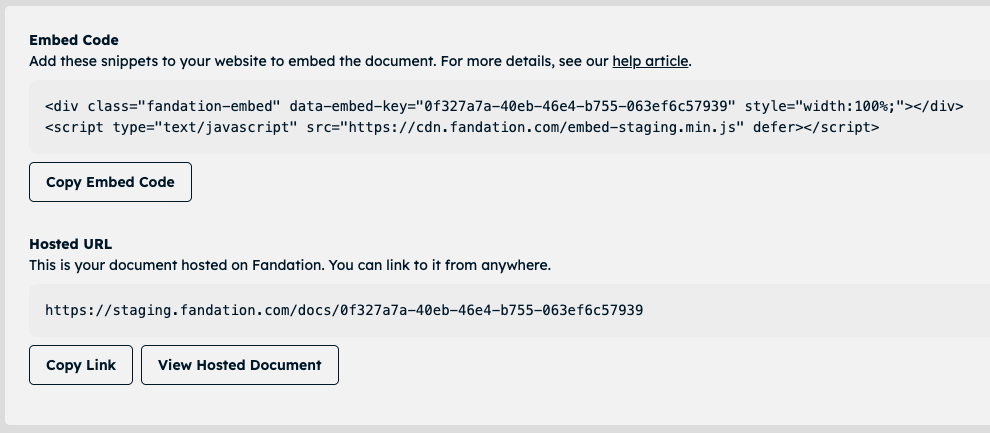
Option 1: Embed Code
If possible, we recommend using the embed code to create an artist website privacy policy, for example: https://[ARTIST].com/privacy
Link to this page from all your opt-in forms, landing pages, or other data collection points. This future-proofs your data collection — even if you decide to leave Fandation.
If this doesn’t work (for example your label operates your site and doesn’t want to add an artist privacy policy):
Option 2: Fandation-hosted link
Fandation also offers links to your documents that can be used in place of a webpage you host. Just place the provided link everywhere you collect fan data.
Quick Start
- Create a Fandation Account
- Select the plan that best meets your needs.
- Search for and select your artist.
- Create your Privacy Policy and Terms of Service, answering a few questions.
- Deploy your documents using the provided embed code or Fandation hosted links everywhere fan data is collected.